Restoration jobs on one record, from the first call to the final invoice
Refined with multi-million-dollar restoration companies. Crews capture the job in the field, costing and documents stay current, and nobody has to learn a new AI tool: agents draft the estimate from the walkthrough and work inside the same app.
The whole job, in the order it happens
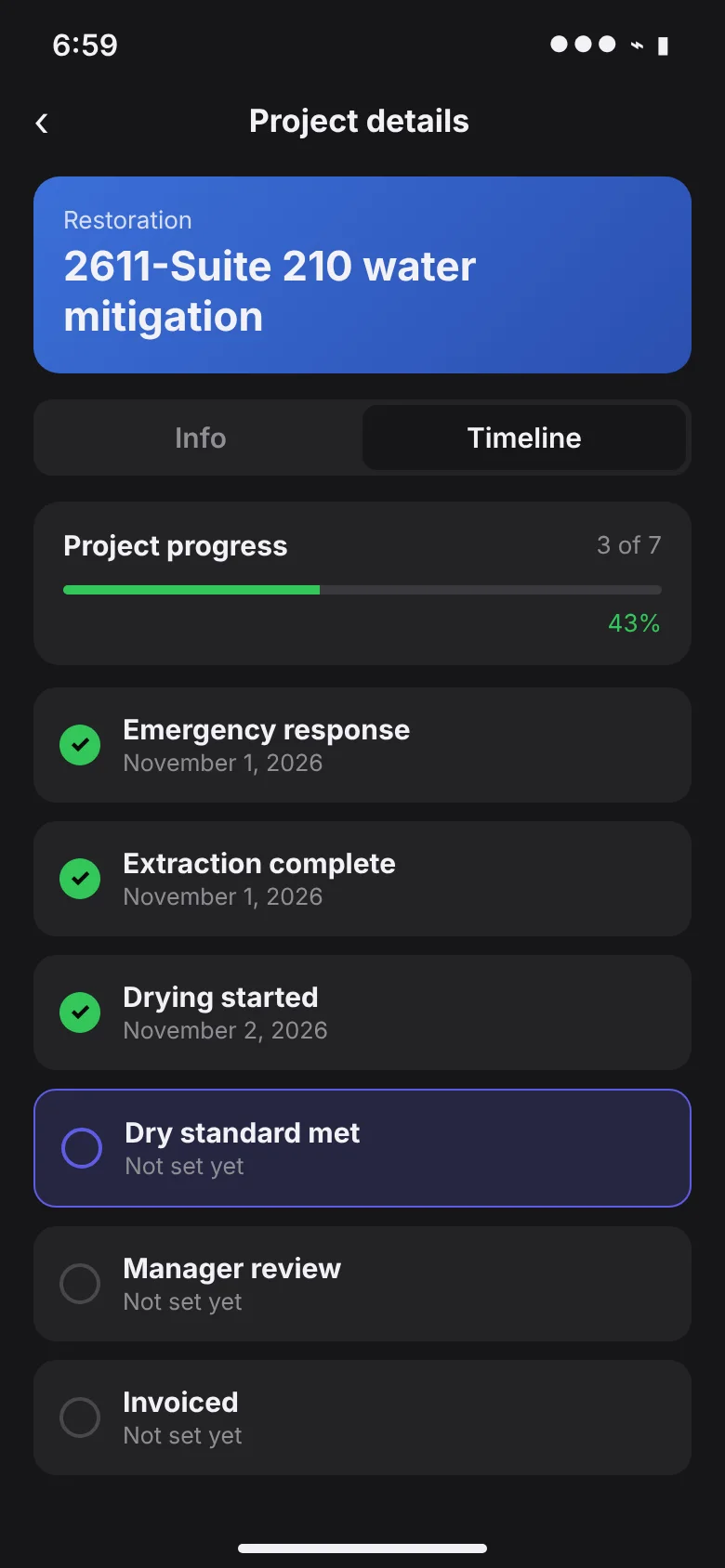
Your milestones and report questions are set up to match how your company works. These are the stages most restoration jobs share.
Emergency response
The job is created with customer, location and contacts, and the crew is assigned and on the way.
Mitigation and drying
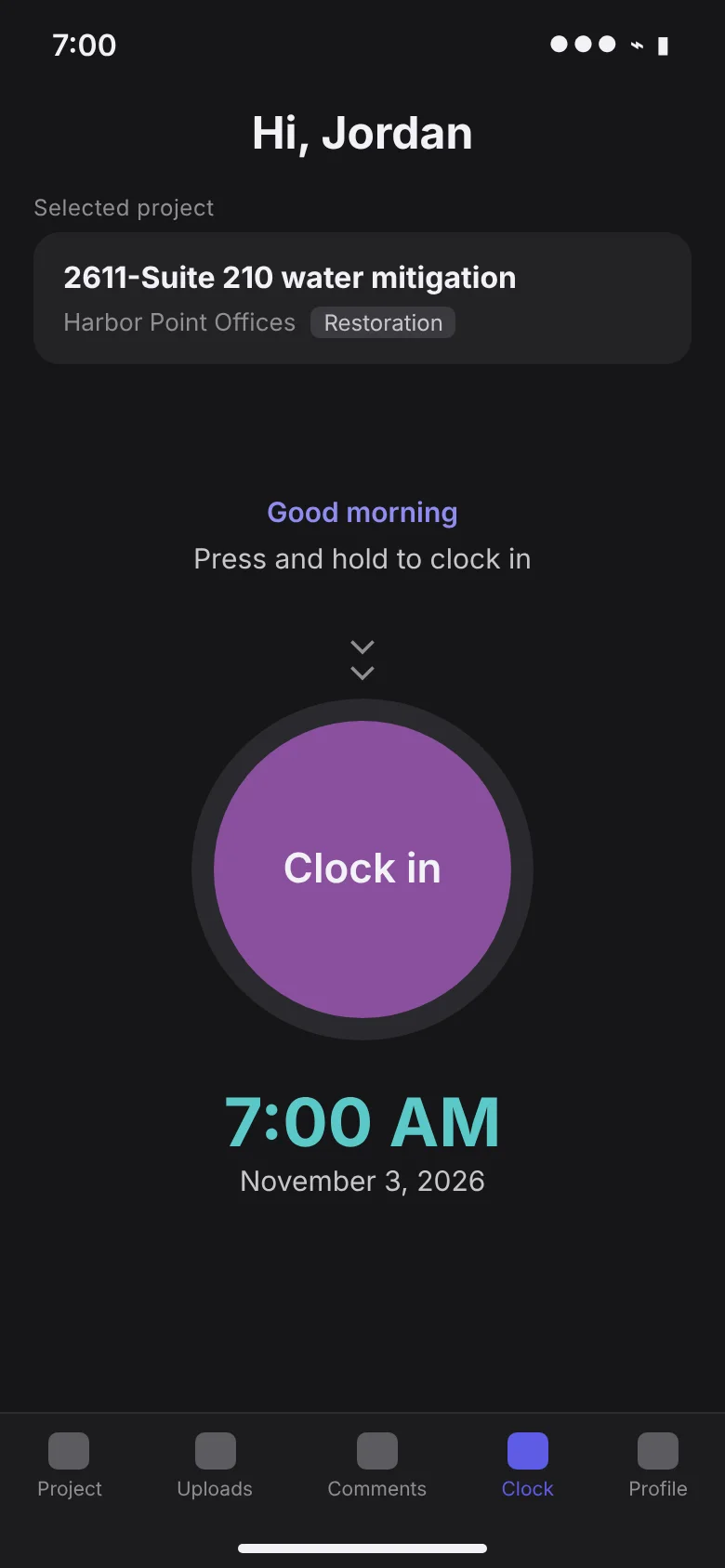
Crews clock in to the job, log readings and equipment, and upload photos from the field.
Reconstruction
Your own crews and subcontractors on the same project, with their time and invoices against it.
Manager review
Reports, photos and costs are already on the job, so review takes minutes, not a stack of paper.
Invoiced
Time-and-materials or fixed-price billing from what was captured, with follow-up on what is still open.
The field app
The field app your crews will actually use
Clock in to the job, answer the daily report, snap the receipt. Every entry lands on the project the moment it is saved, so the office stops chasing paperwork and job costing is never a week behind.
Built around how restoration companies get paid
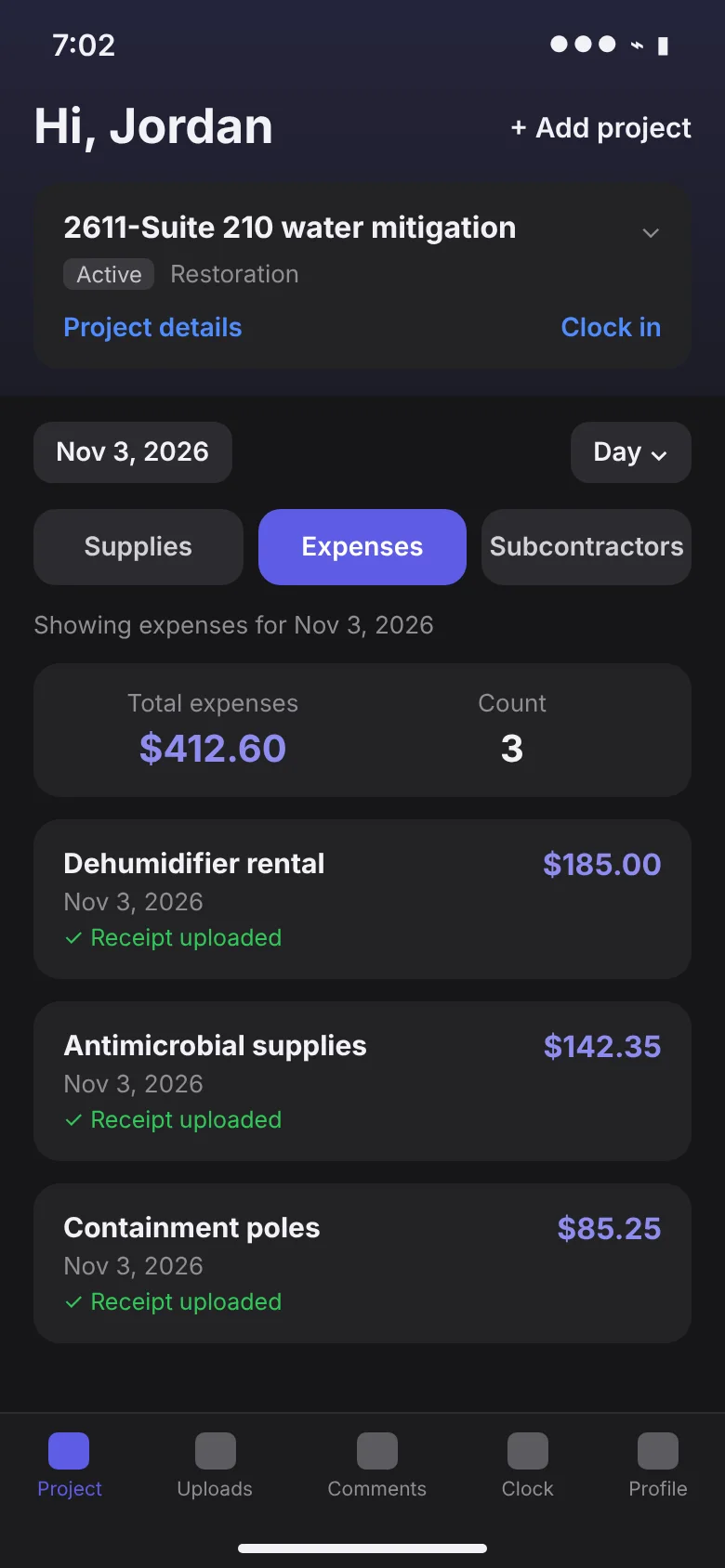
Live job costing
Labor, equipment, materials and subcontractors roll up as they are captured, with margin by job.
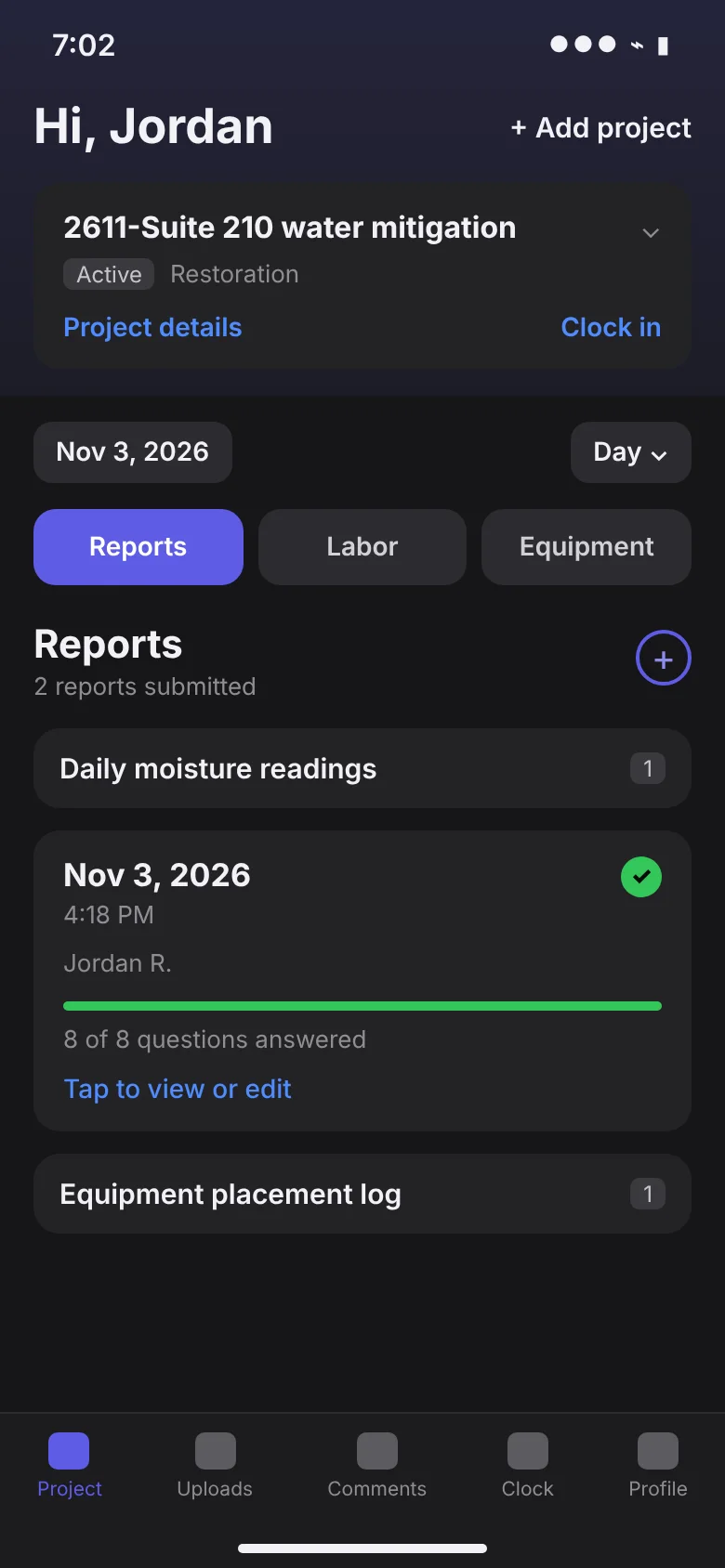
Daily reports and photos
Report questions tailored to your process, with photos straight from the phone, iPhone formats included.
Work authorizations
eDocs the customer signs in the app or the portal, stored on the job as PDFs.
Equipment and supplies
What was placed, used and picked up, by job and by day.
Receivables follow-up
Collection steps set by account type, so open invoices get followed up on schedule.
Room-by-room estimates
Rooms from measurements, line items per room, equipment per day and labor by the hour, with overhead and profit.
Walkthrough to draft estimate
Photos, video or voice notes from the site become a drafted estimate for your estimator to approve.
Insurance estimates imported
Read the insurance estimate PDF in, so the job, budget and job costing line up with what the carrier approved.
Supplements
Additional work starts as a new estimate on the same job, with its own approval and sales order.
Restoration software sync
Jobs sync in from the restoration software you already use, so work started there continues in TrackOps.
Restoration estimating
Walk the loss, and the estimate drafts itself
The scope writer turns walkthrough photos, video and voice notes into rooms, scopes and line items. Your estimator approves each suggestion, and the accepted estimate becomes the job's budget, so job costing shows estimate against actual as the crew works.
TrackOps Estimating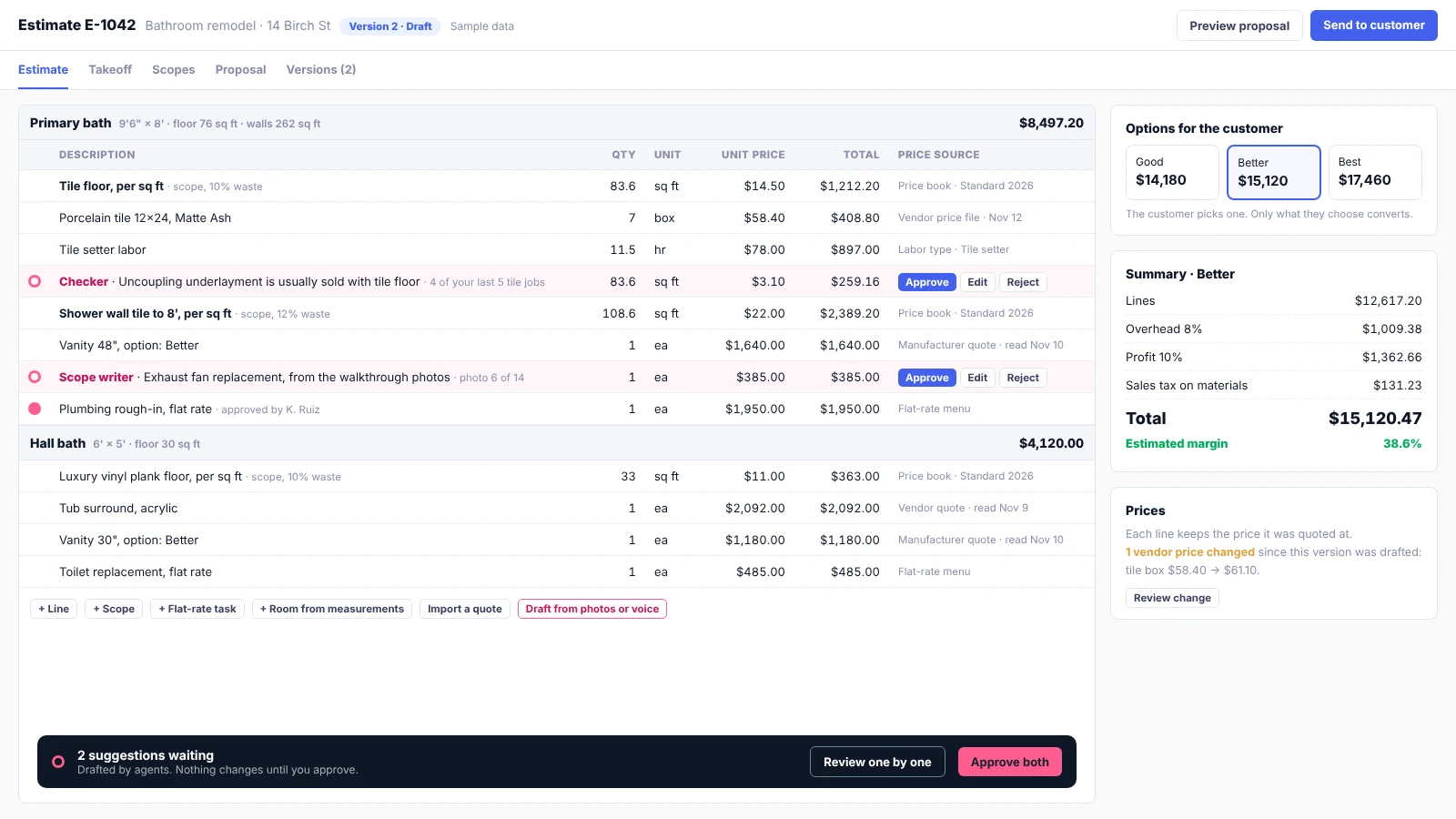
See it on one of your jobs
In 30 minutes we'll walk through a recent job of yours and show where TrackOps would have saved the office and the crew time.